
How to print QR code?
- Happy Marine VIMIGO
- Jun 21, 2024
- 1 min read
Download File:
Guideline:
Step 1: Head over to All Features Tab at the top of the website 🡪 Under Future list, click on vimiForm.

Step 2: vimiForm page. 🡪 Click View Response.

Step 3: Click Print Flyer.

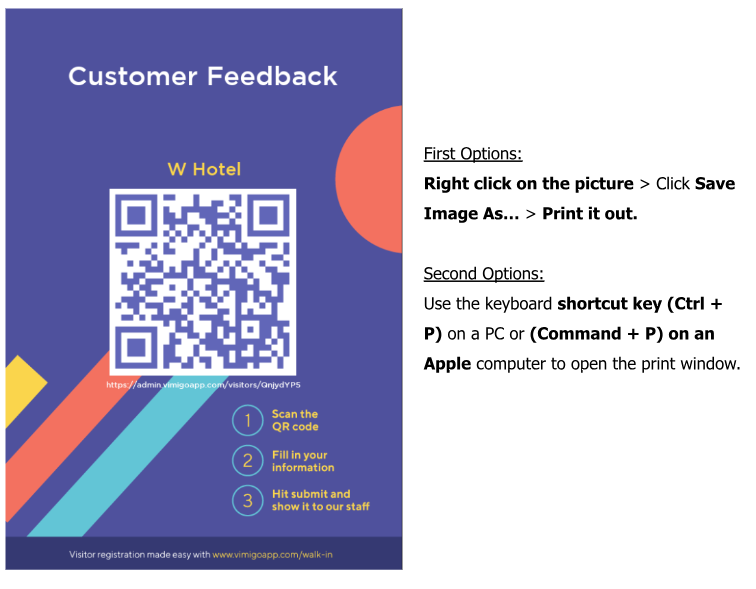
Step 4: You will be directed to the new tab page.


Comments